Many gamers dream of creating their own virtual worlds and Roblox Studio makes that dream a reality for millions. However transitioning from a playable creation to a published game accessible to the vast Roblox community can feel like a complex quest. For busy adult gamers who juggle work family and limited gaming time navigating the publishing process needs to be straightforward and efficient. This comprehensive guide cuts through the noise offering clear actionable steps on how to publish a Roblox game ensuring your hard work reaches its audience without unnecessary headaches. We will cover everything from initial setup and game security to maximizing visibility and understanding performance helping you share your creative vision while respecting your precious time. Discover essential tips for a smooth launch optimize your game for player engagement and leverage the platforms features to truly shine. Whether you are a seasoned developer or just starting mastering game publication on Roblox empowers you to connect with players build community and even monetize your creations all while maintaining that crucial life balance.
What essential checks should I perform before publishing my Roblox game?
Before hitting that publish button, savvy creators, especially those balancing life and gaming, perform crucial checks. First, ensure your game logic is solid and bug-free; a smooth experience keeps players engaged. Next, verify all assets load correctly and adhere to Roblox's community standards. Pay close attention to performance optimization – lag is a notorious player deterrent. Finally, double-check your game's privacy settings and permissions to control who can access and modify your creation. This meticulous approach saves headaches post-launch.
How can I optimize my Roblox game for a broad player base, including mobile users?
Optimizing for a diverse player base is key to maximizing reach, especially with mobile gaming's dominance. Design intuitive UI/UX that adapts well to various screen sizes. Reduce poly counts on models and optimize scripts to minimize lag, crucial for lower-end devices. Use Roblox's built-in performance tools to identify bottlenecks. Ensure touch controls are responsive and complement traditional mouse/keyboard inputs. By thinking cross-platform from the start, your game offers a smoother experience for everyone, from PC players to those grabbing a quick session on their smartphone during a coffee break.
Why is securing my Roblox game important before it goes public?
Game security is paramount to protect your creative investment and player experience. An insecure game is vulnerable to exploits, cheating, and asset theft. Implement server-side checks for critical game logic to prevent client-side manipulation. Utilize Roblox's robust permission settings to control who can edit your game. Regularly back up your work to Roblox Cloud and your local storage. For busy creators, this preventative measure avoids time-consuming fixes and reputation damage, ensuring your game remains fair and enjoyable for all.
What monetization options should I consider when publishing my Roblox game?
Roblox offers several avenues for monetization, allowing creators to earn Robux. Game Passes provide one-time purchases for special abilities or items. Developer Products are consumable in-game items like coins or power-ups. Private Servers offer a recurring income stream for players seeking exclusive experiences. Ensure any monetization aligns with your game's design and offers genuine value to players. Transparent and fair monetization practices build trust and encourage repeat engagement, especially among adult gamers who value their time and money.
How do I effectively promote my new Roblox game after publishing?
Publishing is just the beginning; effective promotion drives player traffic. Leverage Roblox's discovery features by choosing relevant genres and descriptive titles. Create an engaging game icon and compelling thumbnails that stand out. Utilize social media platforms like Discord, Twitter, and even TikTok where many Gen Z/Millennial gamers congregate. Collaborate with other Roblox creators or offer early access to influencers. Consistent updates and responding to player feedback also build a loyal community, which is your best advertising.
What are the common mistakes new Roblox publishers make and how can I avoid them?
New publishers often stumble on a few common hurdles. Overlooking rigorous testing leads to a buggy launch, quickly alienating players. Neglecting performance optimization results in frustrating lag. Failing to secure the game opens doors for exploiters. Not clearly communicating game mechanics or having poor onboarding can confuse new players. To avoid these, invest time in testing, optimize your game, implement robust security, and design an intuitive tutorial. Learning from others' missteps ensures a smoother, more successful launch for your project.
When is the ideal time to update my Roblox game after its initial launch?
Regular, well-timed updates are crucial for long-term game success and player retention. The ideal time is often after gathering initial player feedback on bugs, balance issues, or desired features. Aim for a consistent update schedule, perhaps bi-weekly or monthly, to keep players engaged and show ongoing development. Announce updates clearly on your game page and social channels. Prioritize critical bug fixes quickly. For creators balancing life, planned updates are more manageable than reactive ones, allowing you to maintain your game without constant stress.
Ever found yourself lost in the captivating worlds of Roblox, thinking, 'I could build something amazing here?' You're not alone. Many of us, balancing careers, families, and life's endless demands, cherish our gaming time as a vital escape and creative outlet. The dream of bringing your own game to life on Roblox, sharing it with millions, and seeing players enjoy your creation is incredibly rewarding. But then reality hits: how do you actually get your game from your personal Studio project to the public eye? For busy adult gamers, the thought of navigating complex publishing steps can feel like another chore, not a creative endeavor.
You've put in the hours, poured your creativity into designing unique experiences, and now it's time to share. This guide is built specifically for you – the gamer who values efficiency, clear instructions, and wants to make their mark without unnecessary fuss. We know your time is precious. With over 87% of US gamers engaging regularly, often for 10+ hours a week, and mobile gaming continuing its dominance, ensuring your game is accessible, secure, and performant is paramount. We'll demystify 'how to publish a Roblox game' with practical, up-to-date advice, helping you optimize your creation for success in 2026 and beyond. Let's get your masterpiece out there.
What are the essential checks before publishing your Roblox game?
Before your Roblox game goes live, consider it a pre-flight checklist for your digital rocket. First, a thorough bug hunt is non-negotiable. Play through your game extensively, testing all core mechanics, user interfaces, and custom scripts. Enlist trusted friends or a small group of beta testers for external feedback; fresh eyes catch what you might miss. Next, ensure all assets, from custom models to audio files, load correctly and are appropriately sized to avoid performance bottlenecks. Verify that your game adheres to Roblox's Community Standards, especially regarding content and interactions, to prevent moderation issues post-launch. For adult creators balancing a demanding life, this meticulous check saves countless hours of reactive problem-solving later on.
How do you prepare your game for a public release on Roblox?
Preparing your game for public release involves more than just functionality; it's about presentation and player experience. Start by crafting an engaging game icon and compelling thumbnails. These visual elements are your game's storefront, crucial for attracting clicks from the millions of daily Roblox users. Write a clear, concise, and exciting game description that highlights unique features and what players can expect. Set up a memorable game title that is easy to search for. Within Roblox Studio, pay attention to localization settings if you intend to reach a global audience. Finally, ensure your game has clear onboarding or tutorial elements for new players, guiding them through mechanics without overwhelming them. A smooth initial experience is vital for player retention, especially for busy gamers looking for immediate fun.
Why is proper game security crucial for Roblox publishing?
Game security on Roblox is not just a technical detail; it's fundamental to maintaining a fair and enjoyable environment for your players and protecting your creative investment. An insecure game is a magnet for exploiters who can ruin player experiences, steal assets, or manipulate game mechanics, leading to frustration and player exodus. Implement server-side validation for critical game actions to prevent client-side manipulation (e.g., infinite currency hacks). Use Roblox's built-in filtering enabled feature. Regularly review your scripts for potential vulnerabilities and ensure sensitive data is handled securely. For creators, proactive security measures mean less time spent battling cheaters and more time focusing on game development and community building, ensuring your game thrives long-term.
What are the key settings to configure before going live?
Navigating Roblox Studio's Game Settings menu is crucial before you go live. Here, you'll define critical aspects of your game. Under the
Understanding Roblox Studio publishing process, Configuring game settings for public release, Setting permissions and ensuring game security, Monetization options and best practices, Comprehensive testing before launch, Step-by-step game publishing guide, Effective post-launch promotion and updates.
35

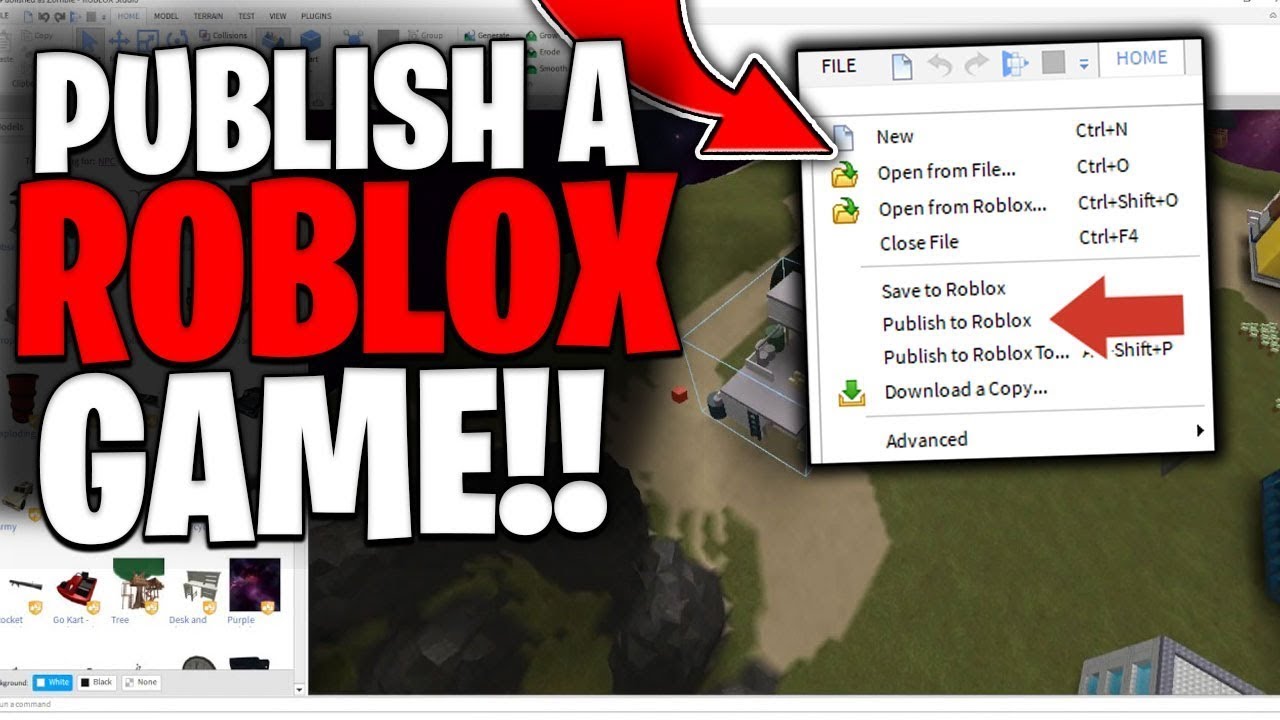


How To Publish A Roblox Game 2026 Complete Roblox Studio Tutorial . Ready To Share How To Publish Your Roblox Game 1200x1769 . Roblox How To How To Publish A Game On Roblox YouTube . How To Make A Roblox Game In 2024 Easy Guide Beebom Publish To Roblox . How To Publish A Game On Roblox In 2026 Roblox YouTube

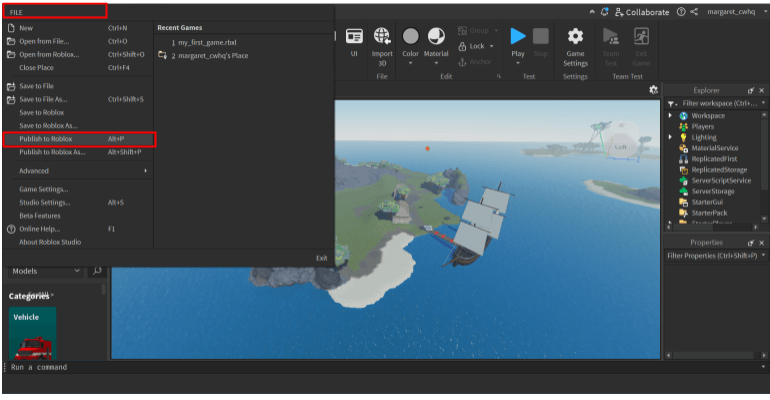
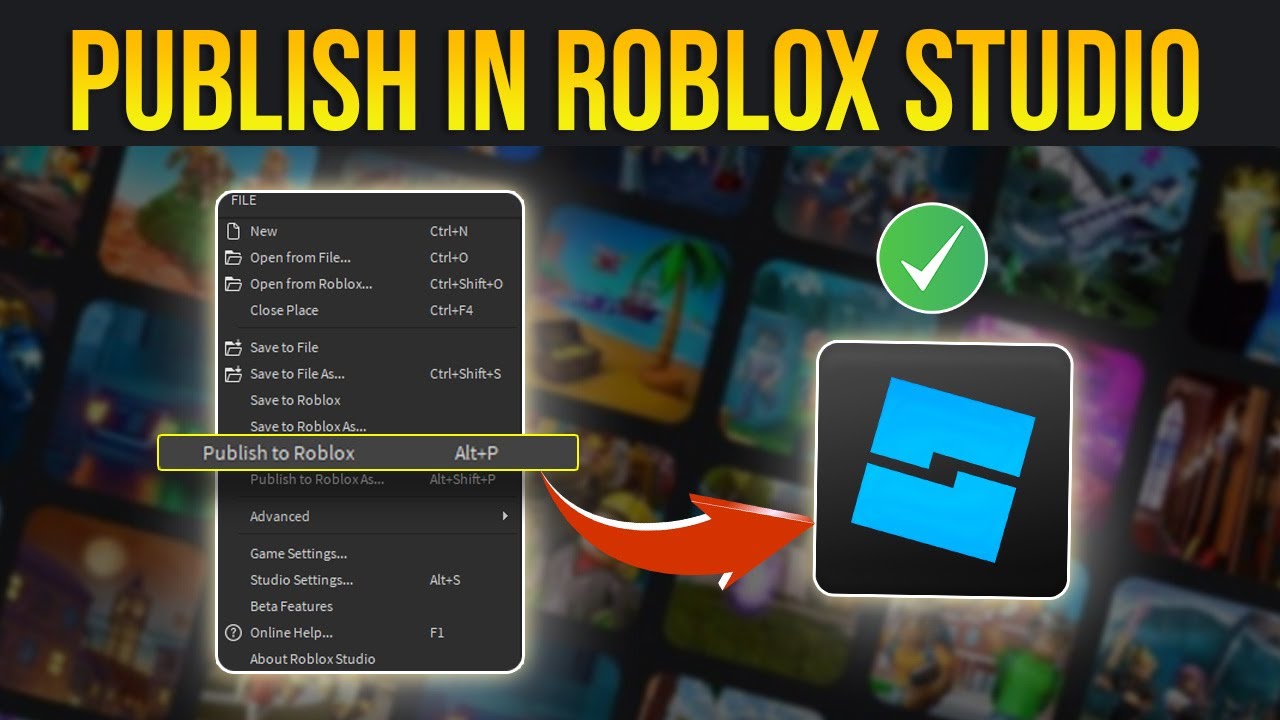

Ready To Share How To Publish Your Roblox Game . How To Publish A Roblox Game Full Guide YouTube . How To Publish A Roblox Game In 3 Steps Publish Roblox Game Steps 1 . How To Publish Your Roblox Game In Roblox Studio Post A Roblox Game . Ready To Share How To Publish Your Roblox Game

How To Publish Roblox Game 2026 YouTube . Ready To Share How To Publish Your Roblox Game Publish Roblox Game Step 1 Update 1 . Ready To Share How To Publish Your Roblox Game How To Publish Roblox Game Social Banner . How To Publish Your Roblox Game Get Players FAST 2025 Guide YouTube . How To Publish A Roblox Game In 2023 Tech How 4 Publish To Roblox As



How To Make A Game Pass In Roblox 2026 Step By Step Guide Game Pass Roblox.webp. Ready To Share How To Publish Your Roblox Game . How To PUBLISH Your Own ROBLOX GAME Roblox Studio Tutorial YouTube . How To Publish Roblox Games Ultimate Guide Learn Build Play Roblox Setting Permissions Group Vs Me 480x348 . How To Share Publish Your Roblox Game In 3 Steps Screen Shot 2024 10 17 At 5.41.09 PM

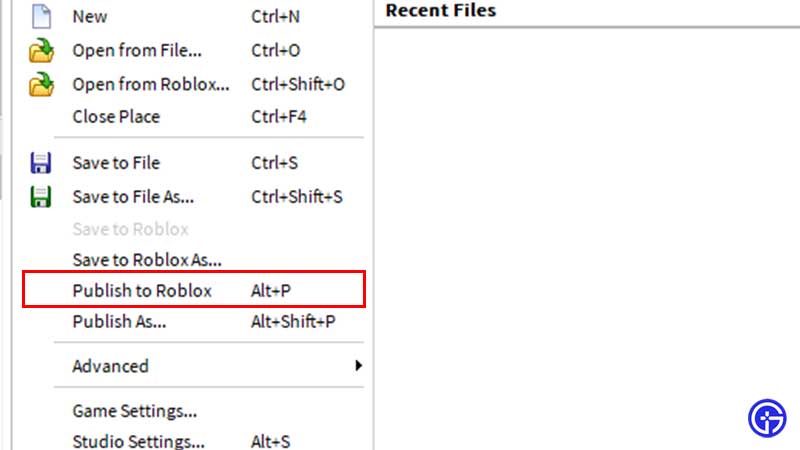

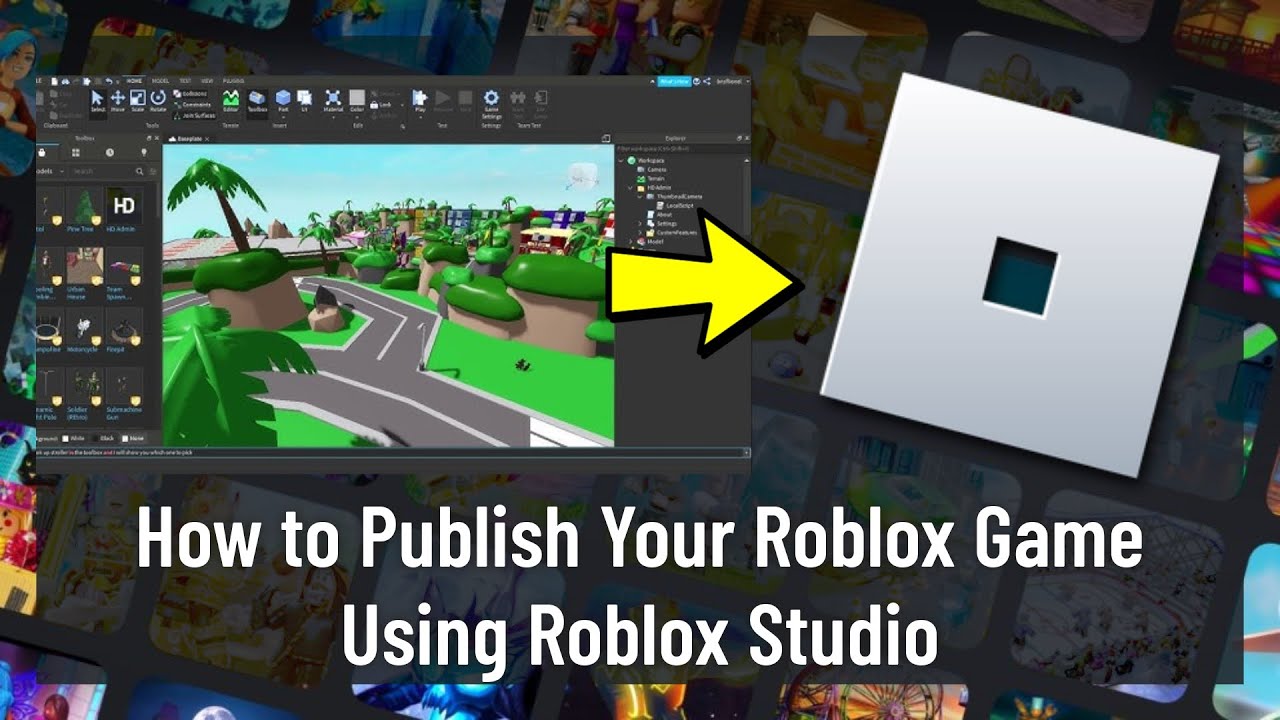
Ready To Share How To Publish Your Roblox Game . Ready To Share How To Publish Your Roblox Game Why Cant I Publish My Roblox Game . Make Your Mark Publishing Games On Roblox Savepub . Ready To Share How To Publish Your Roblox Game . Ready To Share How To Publish Your Roblox Game



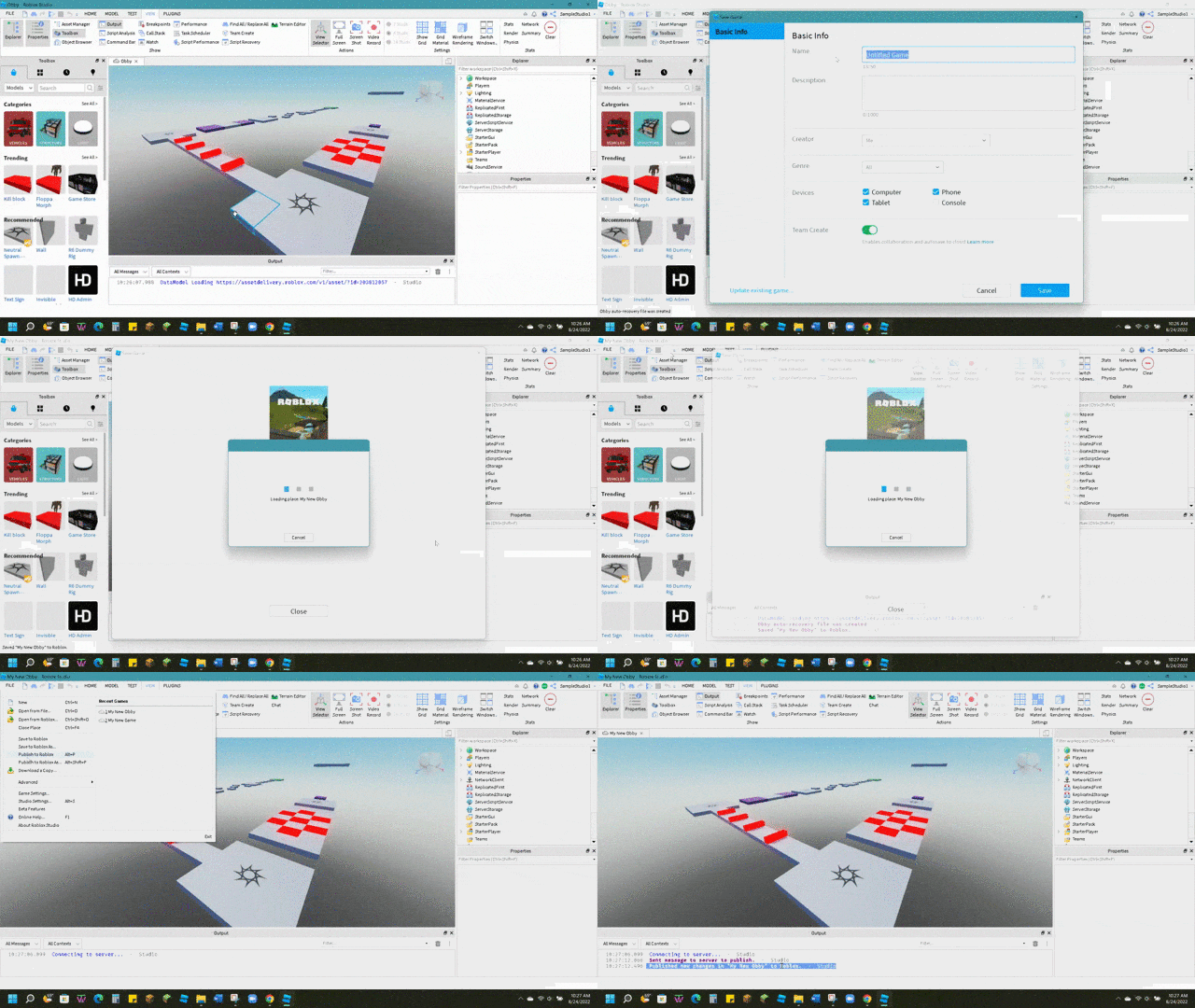
Ready To Share How To Publish Your Roblox Game . Ready To Share How To Publish Your Roblox Game Screen Shot 2022 08 24 At 11.36.11 AM . Ready To Share How To Publish Your Roblox Game . Ready To Share How To Publish Your Roblox Game . HOW TO PUBLISH ROBLOX GAME 2026 FULL GUIDE YouTube



How To Make A Roblox Game With AI Complete 2026 Guide Image. How To Publish Your First Roblox Game Step By Step Beginner Guide O . How To Upload Publish UGC Items Accessories In Roblox Marketplace . How To Publish A Game On Roblox Step By Step Guide YouTube . Ready To Share How To Publish Your Roblox Game Roblox Publish Game