Are you a dedicated Roblox player looking to transform your in-game assets into valuable Robux? Many gamers today, juggling careers, families, and life's demands, find themselves with a treasure trove of digital items they no longer use. This comprehensive guide simplifies the process of how to sell your items on Roblox, empowering you to monetize your virtual inventory efficiently. We delve into everything from understanding eligibility requirements to setting optimal prices and navigating the Marketplace. Discover expert tips and tricks to maximize your earnings, avoid common pitfalls, and ensure a smooth selling experience. Whether you are decluttering your inventory or aiming to fund your next big in-game purchase, learning to effectively sell your items on Roblox is a crucial skill for any savvy player. Get ready to unlock the true value of your digital possessions.
How do I start selling items on Roblox as a new player?
To begin selling items on Roblox, you first need an active Roblox Premium subscription. This is essential for most selling activities, including listing items on the Avatar Shop or participating in the trading system for Limiteds. Once you have Premium, you can either design your own clothing (t-shirts, shirts, pants) and upload them for sale, or if you possess Limited or Limited U items, you can list them for direct sale or trade. Ensure your account is verified and you understand Roblox's community guidelines to avoid any issues.
What is the Roblox Premium requirement for selling and why is it necessary?
Roblox Premium is a mandatory subscription for most forms of item selling on the platform. It grants members the ability to create and sell clothing items, and critically, to participate in the lucrative trading of Limited and Limited U items. Roblox implements this requirement to foster a more serious creator economy, mitigate spam, and ensure that individuals engaged in item transactions are committed to the platform. Premium members also receive a higher Robux payout percentage from sales, making it a sound investment for anyone serious about monetizing their inventory or creations.
Can I sell game passes or developer products without Roblox Premium?
Yes, you can sell game passes and developer products within your own Roblox experiences (games) even without a Premium subscription. This is an exception to the general Premium requirement for item selling. If you've created a game, you can design and implement these monetization tools to sell to players within your experience. However, selling items directly on the Avatar Shop, such as user-created clothing or Limiteds, still requires an active Premium membership.
What's the difference between selling user-created clothing and Limited items?
Selling user-created clothing (shirts, pants, t-shirts) involves designing the item yourself, uploading it to the Avatar Shop, and setting a price. You earn a percentage of Robux from each sale. Selling Limited or Limited U items, on the other hand, involves items released by Roblox with a fixed, scarce quantity. These items can appreciate in value, and Premium members can either list them for direct sale to other players or engage in a trading system with other Limited items. The market for Limiteds is often more volatile and driven by supply and demand.
How much Robux do I actually get when I sell an item?
When you sell an item on Roblox, the platform takes a commission, which means you don't receive 100% of the sale price. For most item sales, Roblox retains a 30% transaction fee. This means you will receive 70% of the Robux from each successful sale. For Premium subscribers selling their own creations, this percentage can sometimes be slightly higher. It's crucial to factor this commission into your pricing strategy to ensure you're earning the desired amount of Robux.
Are there any risks or scams I should be aware of when selling items?
Absolutely. The Roblox marketplace, like any online trading platform, can have risks. Be wary of unofficial third-party websites claiming to offer better Robux exchange rates or direct sales, as these are almost always scams designed to steal your account or items. Only conduct transactions within the official Roblox platform. Avoid sharing your login credentials, be cautious of suspicious trade offers that seem too good to be true, and report any fraudulent activity you encounter. Always use two-step verification for account security.
How can I check my sales history and Robux earnings?
You can easily track your sales and Robux earnings through your Roblox account dashboard. Navigate to the 'My Creations' or 'Develop' section, and then look for the 'Sales' or 'Money' tab, often found under the 'Summary' or 'Analytics' sections for your creations. Here, you'll find detailed reports on your past sales, pending Robux (Robux that are still being processed due to Roblox's holding period), and your overall Robux balance. This allows you to monitor your selling performance and manage your in-game economy effectively.
Hey there, fellow gamers! In 2026, many of us are still deeply entrenched in the digital worlds we love, even as we juggle careers, families, and all the exciting chaos of adulting. Gaming isn't just a hobby; it's a way to unwind, connect with friends, and even sharpen our skills. Did you know that a staggering 87% of US gamers play regularly, often dedicating over 10 hours a week to their favorite titles, with mobile gaming continuing its dominance alongside PC and console experiences? For many, Roblox has become a creative playground and a social hub, a place where innovation meets community. But what if that playground could also be a smart way to earn a little extra Robux for your next big in-game purchase or simply to declutter your ever-growing digital inventory?
You've likely accumulated a trove of digital treasures on Roblox – unique accessories, limited items, or even clothing you've designed. Ever wondered how to sell your items on Roblox to turn those virtual assets into tangible Robux? You're not alone. Many adult gamers, keen on optimizing their time and maximizing value, search for efficient ways to manage their in-game economies. This comprehensive guide is designed specifically for you. We’ll cut through the hype and get straight to the practical, problem-solving advice you need to navigate the Roblox marketplace successfully, whether you're a seasoned developer or simply a player looking to cash in on your unused gear. Let's unlock the potential of your inventory together!
What Kinds of Items Can You Sell on Roblox?
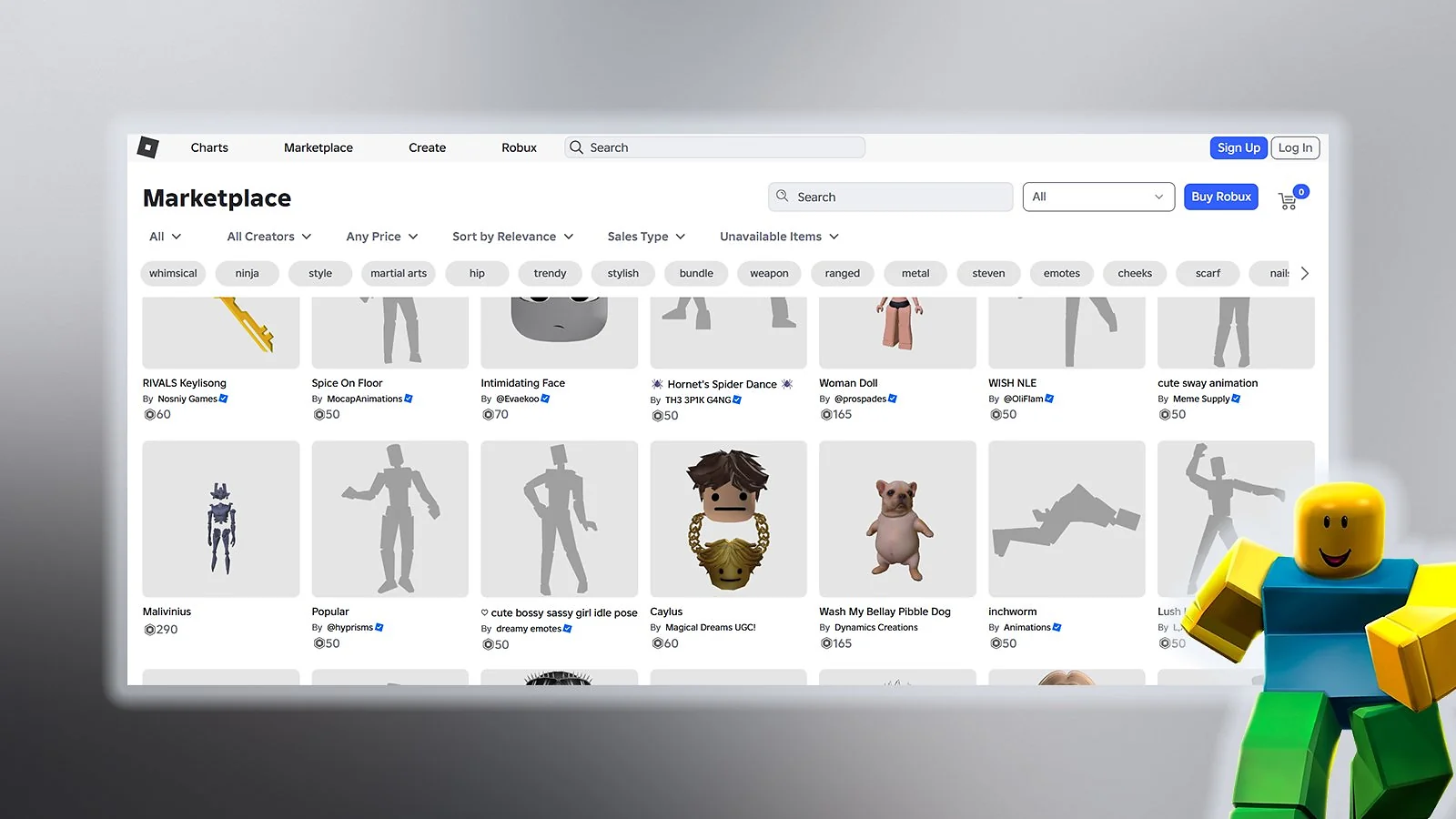
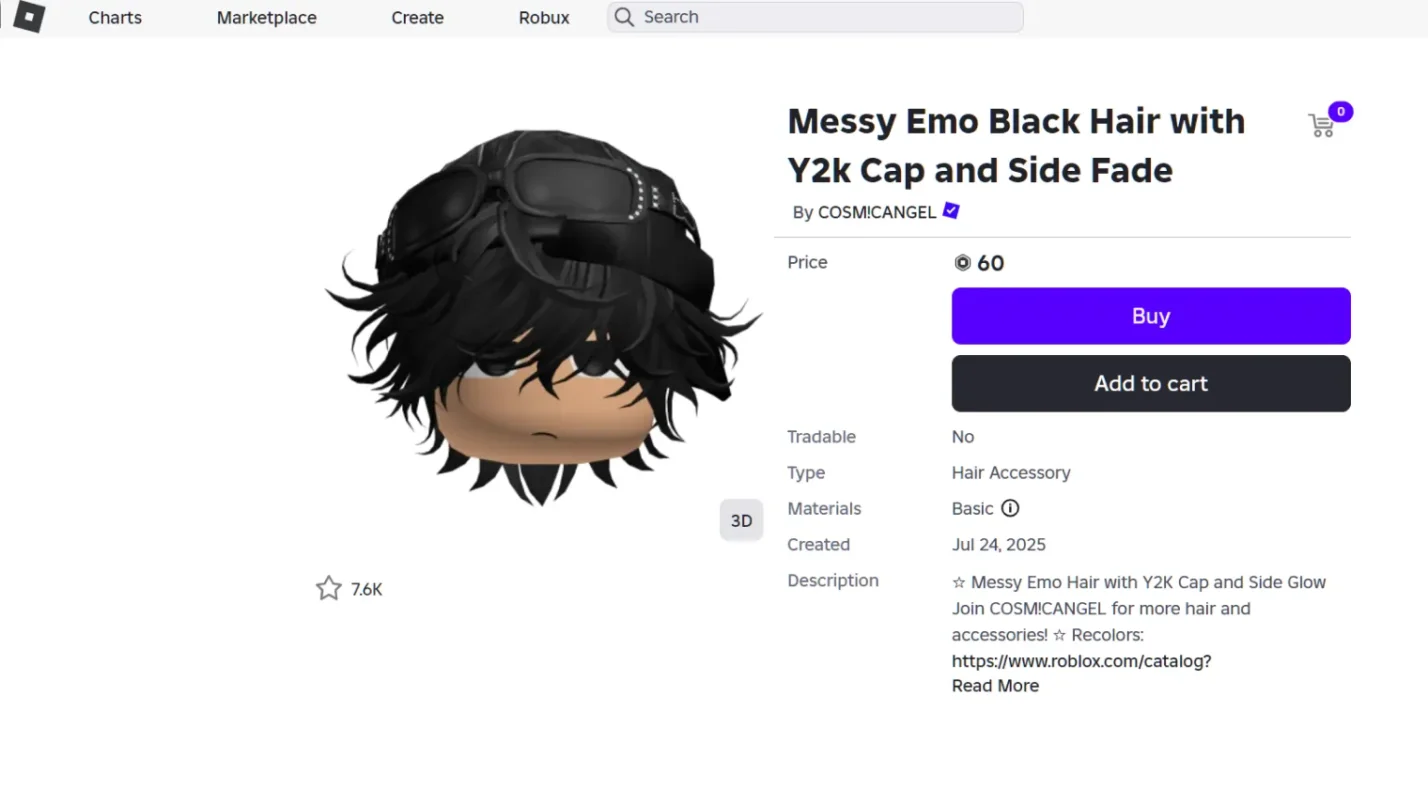
When it comes to selling on Roblox, not all items are created equal. Generally, you can sell items that fall into a few key categories. These primarily include creations you've personally designed and uploaded, such as t-shirts, shirts, pants, and certain accessories if you're a Roblox Premium subscriber with the necessary development skills. Users can also sell Limited and Limited U items, which are rare collectibles released by Roblox that have a fixed supply. Selling these items often happens through the trading system or Avatar Shop, depending on the item type and your account status. Remember, items obtained from game passes or certain event rewards are usually not transferable or salable by individual players in the same manner.
- Clothing: T-shirts, Shirts, and Pants created by you.
- Accessories: Certain unique accessories you’ve designed (requires specific creator permissions and Premium).
- Limited & Limited U Items: Rare, officially released items that can be traded or resold by Premium members.
Who is Eligible to Sell Items on Roblox?
Eligibility is a crucial first step for anyone wondering how to sell your items on Roblox. The primary requirement for most selling activities on the platform is an active Roblox Premium subscription. This subscription not only grants you a monthly Robux stipend but also unlocks the ability to create and sell certain items and participate in the trading system. Without Premium, your selling options are severely limited, typically only allowing you to sell game passes or developer products within your own experiences, which requires creating a game. For general item selling on the Avatar Shop or trading Limiteds, Premium is non-negotiable. Furthermore, to upload and sell custom clothing, you'll need to pass content moderation guidelines and ensure your designs adhere to Roblox's community standards. These measures help maintain a safe and fair environment for all users.
How Do You List an Item for Sale on Roblox?
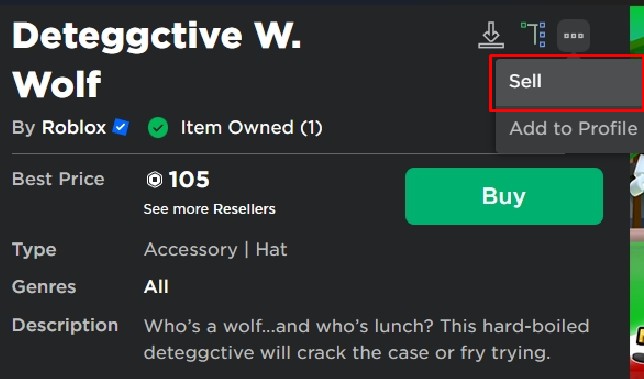
Listing an item for sale on Roblox varies slightly depending on whether you're selling custom clothing or Limited items. For custom clothing, log into Roblox, navigate to the Create tab, then select the clothing type (Shirts, Pants, T-Shirts). Upload your design (ensure it's to Roblox's specifications) and set a price in Robux. Once approved by moderation, it becomes available in the Avatar Shop. For Limited or Limited U items, ensure you have Roblox Premium. Go to the item's details page in your inventory, click the three dots, and select
Roblox Premium required to sell items Understanding item eligibility and marketplace rules Setting optimal prices for your items Listing items on the Avatar Shop or through Experiences Maximizing Robux earnings and understanding commission fees Safe selling practices and avoiding scams
35



How Do I Sell Items On Roblox 2026 YouTube . How To Sell Items On Roblox YouTube . How To Sell Items On Roblox Roblox Sell Items Easy Guide YouTube . How To Sell Roblox Items For Real Money 2026 Guide How To Sell Roblox Items. How To Sell Items In Your At Petra Webster Blog
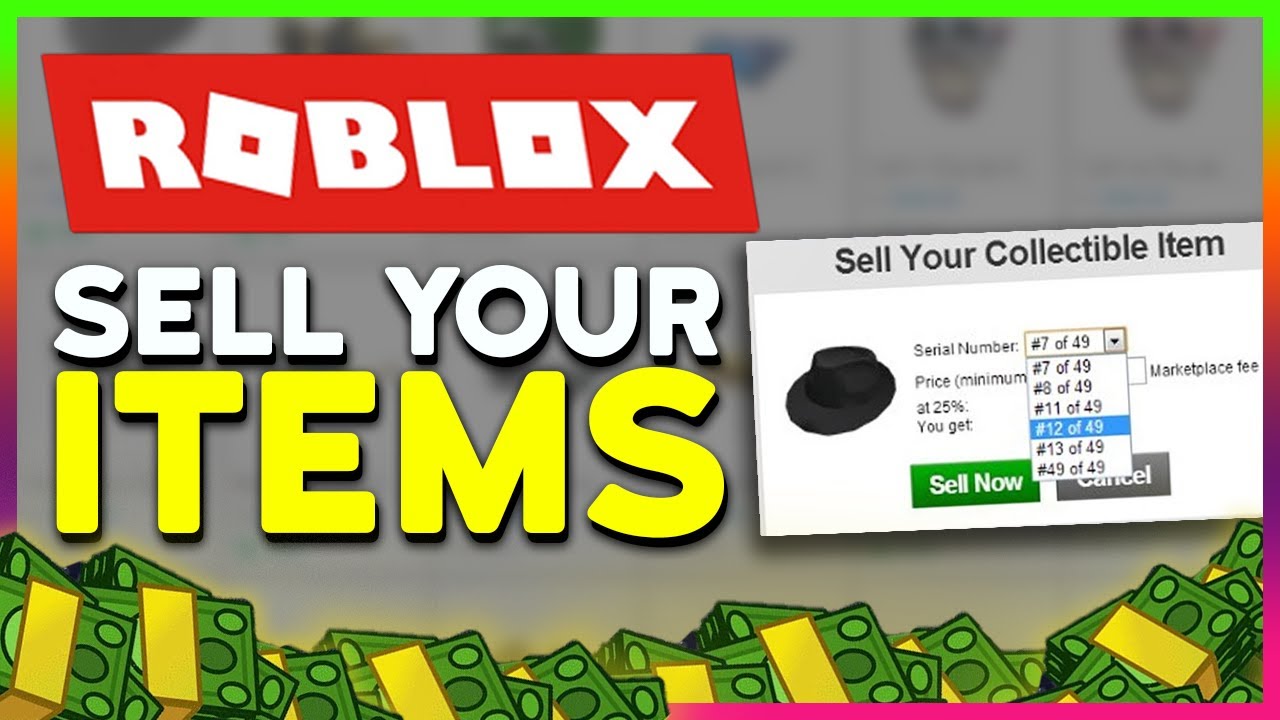

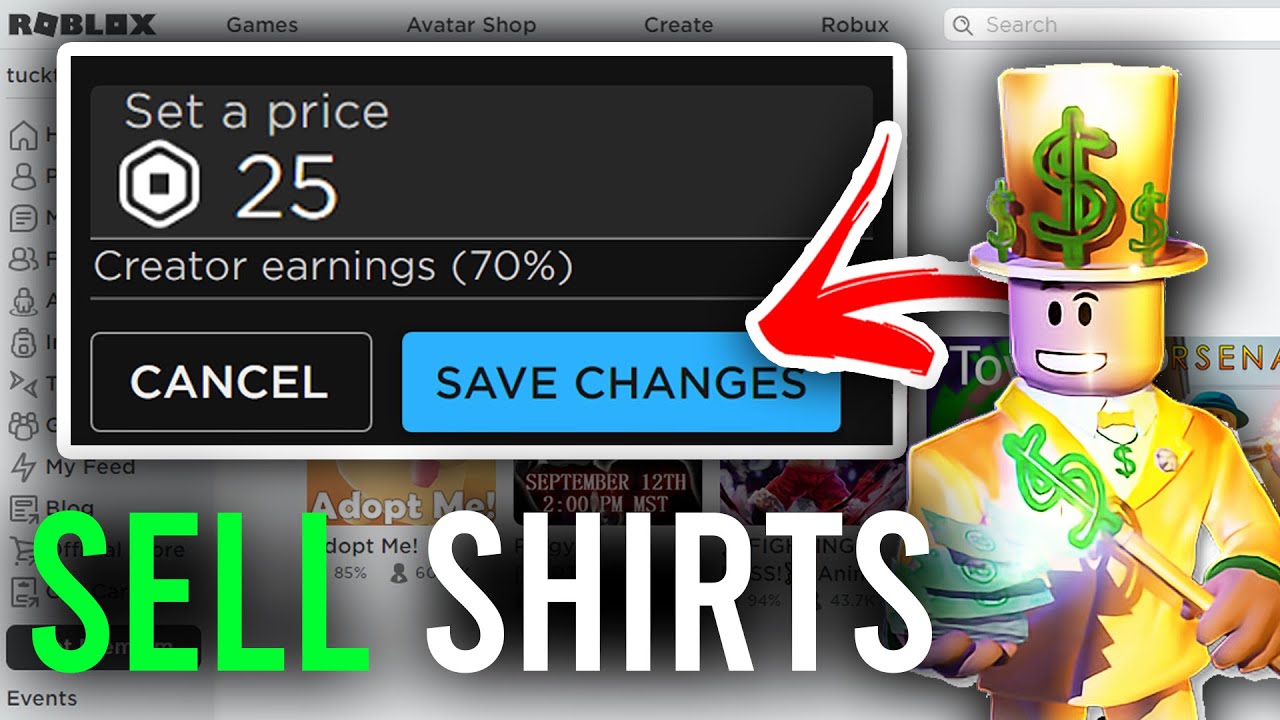


How To Sell Your Roblox Items Easy 2026 YouTube . How To Sell Items On Roblox Sell Roblox Items YouTube . How To Sell Clothes On Roblox Full Guide YouTube . How To Sell Items On Roblox Complete Guide YouTube . How To Sell Roblox Accessories At Juana Faller Blog

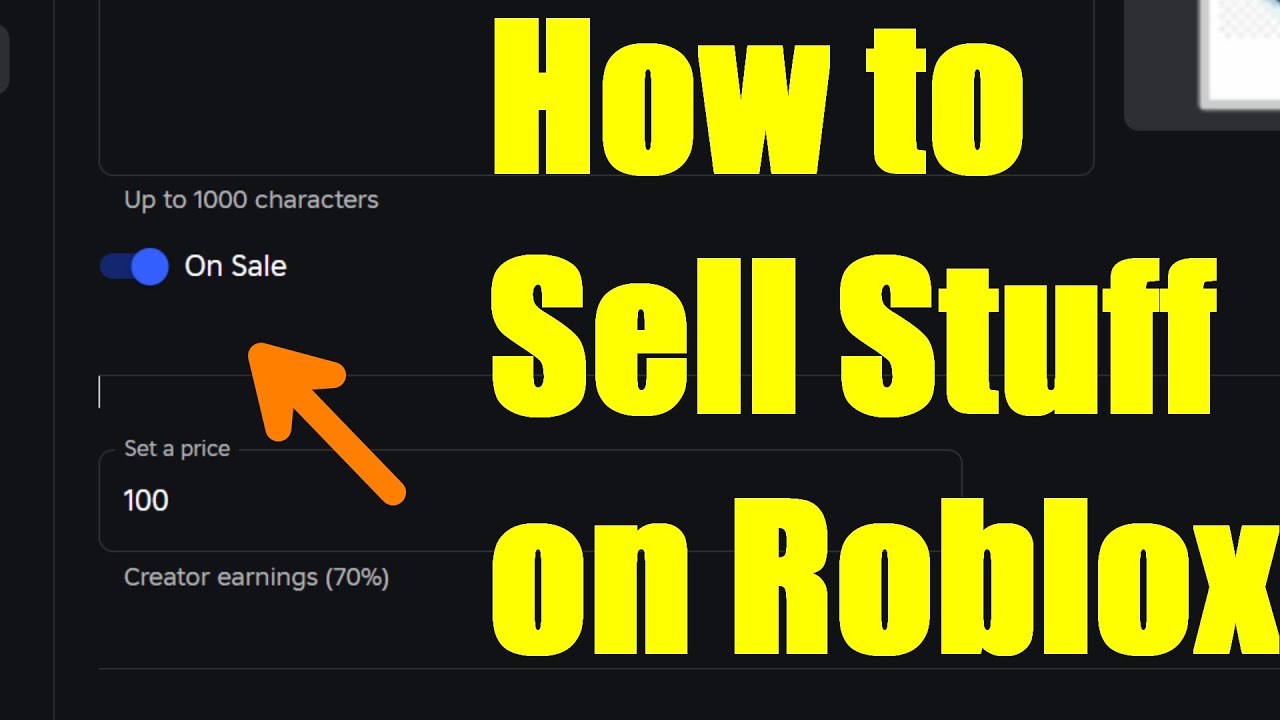

How To SELL ITEMS On Roblox EASY YouTube . How To Sell Stuffs On Roblox Make Robux By Selling Your Items Guide . Blocks To Trade Roblox At Marcelene Grant Blog . How To Sell Items On Roblox 2023 Sell Roblox Items YouTube . How To Sell Roblox Items For Real Money 2026 Guide How To Sell Roblox Items


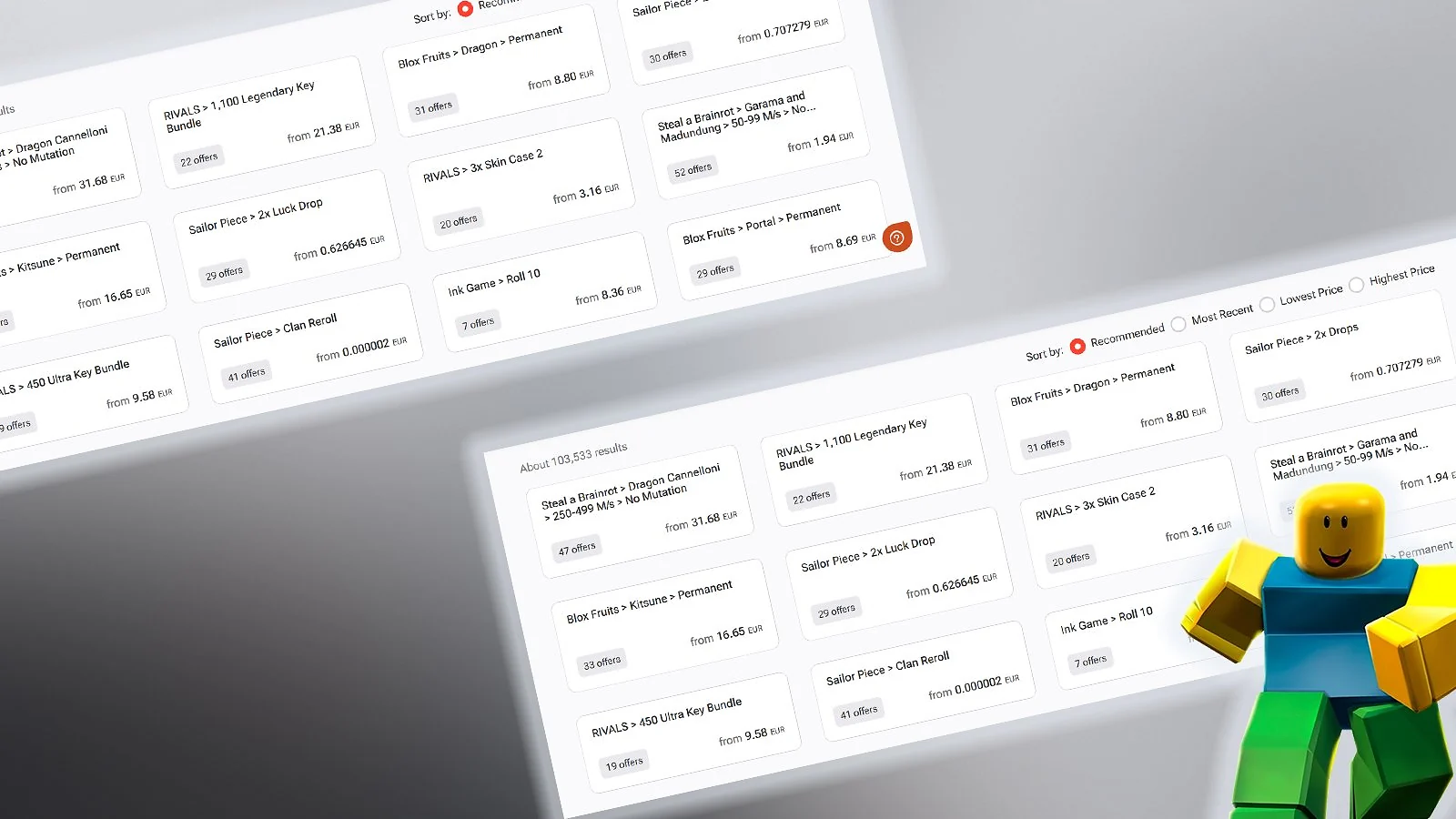
How To Sell Roblox Items For Real Money In 2026 Eneba Hub Cash Out Your Roblox Sales Safely.webp. First Class Tips About How To Sell Stuff In Roblox . How To Sell Roblox Items For Real Money In 2026 Eneba Hub Selling Roblox Items.webp. How To See Your Selling Items On Roblox Updated YouTube . HOW TO SELL ITEMS ON ROBLOX 2026 FULL GUIDE YouTube


How To Sell Limited Items And Avatar Items In Roblox V4 460px Resell Items On Roblox Step 6 . ROBLOX How To Sell Items Desktop Mobile Roblox Den Image Ac1ab409ce . How To Sell Items On Roblox 2026 YouTube . How To Buy Sell Limited Items On Roblox Easy Guide YouTube . How To Sell Items On Roblox How To Sell Custom Items On
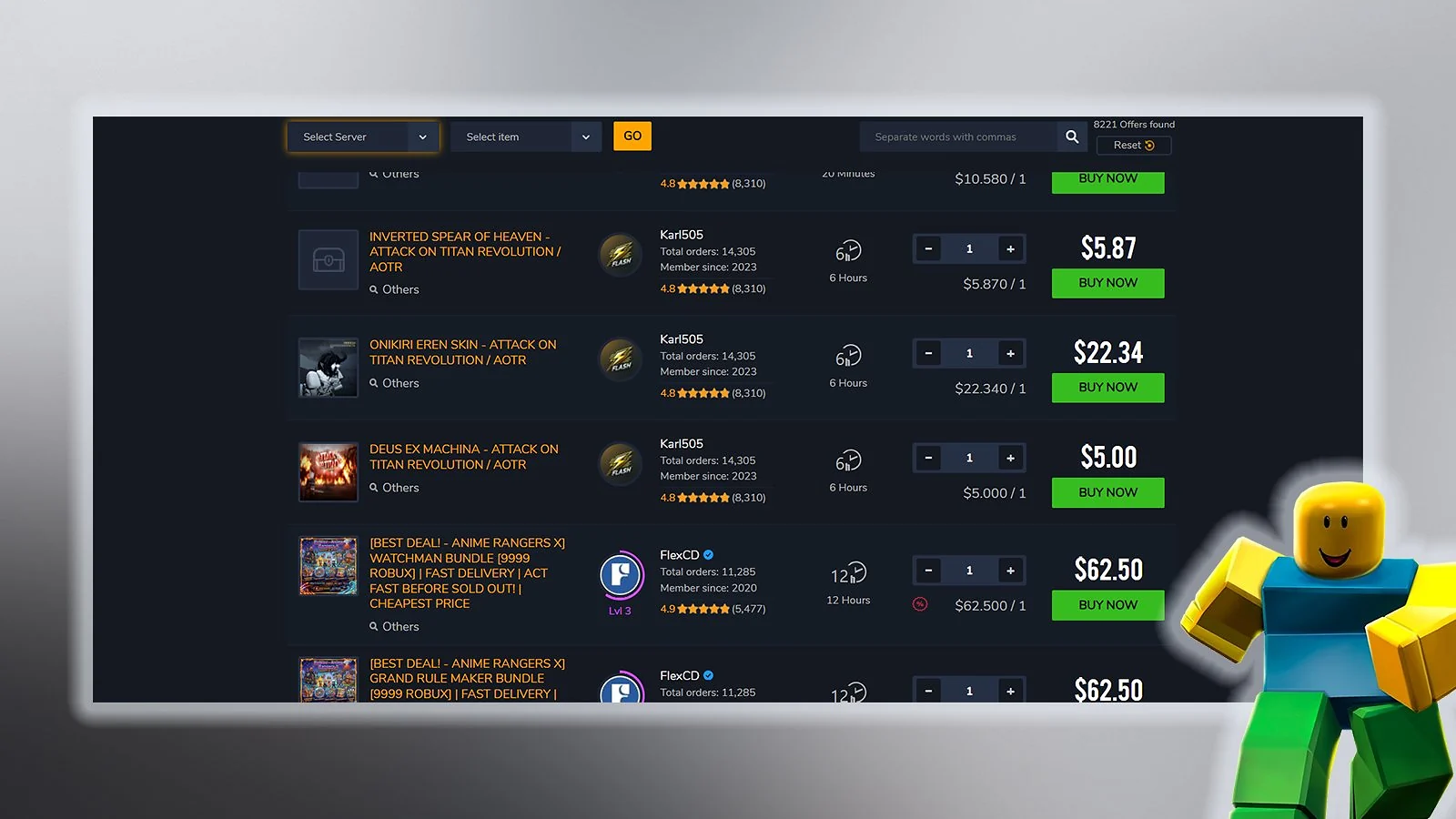
How To SELL ITEMS In Roblox 2021 UPDATED METHOD YouTube . How To Sell Your Items On Roblox Pearl Lemon Games 21 . How To Sell Roblox Items For Real Money In 2026 Eneba Hub Prepare And List Your Roblox Items.webp. How To Sell Roblox Items For Real Money In 2026 Eneba Hub Understand Your Roblox Item Value.webp. How To Sell Roblox Items For Real Money In 2026 Eneba Hub Is Selling Roblox Items Legal.webp


Roblox How To Sell Items For Robux Quick And Easy YouTube . How To Sell Roblox Items For Real Money 2026 Guide How To Sell Roblox Items Tips. How To Sell Things On Roblox Sell Item 1 . How To Sell Items On Roblox YouTube . How To Sell Items On Roblox Complete Guide 2025 Savings Grove How To Sell Roblox Pinterest Pin Style10