Gamers often face challenges from technical glitches to account issues on their favorite platforms. Roblox, a massive universe with millions of players, is no exception. This in-depth guide for 2026 cuts through the noise to provide a clear, unbiased assessment of Roblox customer service. We explore common contact methods, typical response times, and the effectiveness of their support channels, helping busy adult gamers understand what to expect. Discover practical tips to streamline your support requests, learn how other players successfully resolve their issues, and optimize your experience when dealing with account problems, payment queries, or in-game bugs. Whether you are a parent managing your child's account or an multi tasking adult player balancing life with virtual adventures, understanding Roblox support is crucial for a smooth gaming journey. Get the essential insights you need to navigate Roblox's support system effectively and minimize downtime, ensuring your gaming remains a source of relaxation and fun, not frustration.
How effective is Roblox customer service for account recovery in 2026?
Roblox customer service is generally effective for account recovery, especially if you have verifiable proof of ownership like purchase history or a registered email. Their dedicated security team prioritizes these cases due to their sensitive nature. While it's not instant, providing comprehensive details such as past usernames, creation date, and any linked email addresses or phone numbers significantly expedites the process. They often guide you through a verification process to ensure the account is returned to the rightful owner, typically within a few business days.
What is the best way to contact Roblox support for a compromised account?
The best way to contact Roblox support for a compromised account is through their official support form in the Help Center, specifically selecting the 'Account Hacked or Compromised' category. This ensures your ticket is routed to the specialized team that handles security breaches. Provide every detail you can remember about the account, including the last known password, any email or phone numbers linked, transaction IDs for Robux purchases, and the approximate date of compromise. Do not use public social media for sensitive account issues.
Does Roblox provide live chat or phone support for urgent issues?
As of 2026, Roblox does not typically offer direct live chat or phone support as a primary channel for general customer service inquiries. Their support system is predominantly ticket-based via their online form. While certain urgent security issues might lead to more direct communication once a ticket is escalated, it's not an immediate option for most users. This can be frustrating for gamers needing real-time assistance, so detailed initial ticket submission is crucial to avoid delays.
What are the average response times for Roblox customer service inquiries?
Average response times for Roblox customer service vary. Initial automated acknowledgments usually arrive within 24 hours. For a human agent's first response, expect anywhere from 1 to 7 business days for non-urgent matters. Account security issues and billing disputes might see a quicker turnaround, sometimes within 48-72 hours, due to their priority. However, complex cases requiring investigation can take longer. Patience and providing all necessary information upfront are key to reducing the overall resolution time.
Can Roblox customer service assist with stolen Robux or in-game item disputes?
Yes, Roblox customer service can assist with cases of stolen Robux or in-game item disputes if the theft occurred due to a security breach on Roblox's end, an account compromise, or an unauthorized transaction. They thoroughly investigate these claims, often requiring detailed information about the incident, including dates, specific items or Robux amounts, and any suspicious account activity. For issues where items were lost due to user error or in-game scams not directly related to a platform security breach, their ability to intervene may be limited.
How does Roblox prioritize customer support tickets?
Roblox prioritizes customer support tickets based on severity and impact. Issues like account security breaches, unauthorized transactions, or significant platform-wide technical problems receive the highest priority. Tickets affecting user safety or financial well-being are generally escalated faster. Less critical inquiries, such as general questions or minor technical glitches that only affect a single experience, are typically handled in the order they are received. Clear categorization of your issue on the submission form helps Roblox direct your ticket appropriately for prioritization.
What steps can I take to ensure a smooth interaction with Roblox support?
To ensure a smooth interaction with Roblox support, always start by visiting the Roblox Help Center. Search their FAQs first, as many common issues have self-service solutions. If you need to contact support, use the official online form. Fill it out completely and accurately, providing all requested information, screenshots, and transaction details. Be specific and concise in your description. Avoid submitting multiple tickets for the same issue, as this can lead to delays. Be patient and polite in your communications, and regularly check your email, including spam folders, for their response.
As a gamer balancing work, family, and personal life, nothing throws a wrench into your precious unwind time like a technical glitch or an account problem. We've all been there: you finally get a moment to dive into your favorite Roblox experience, only to find an issue blocking your fun. For many of us, gaming isn't just a hobby; it's a social outlet, a skill-building arena, and a vital stress reliever. But when something goes wrong, the immediate question is, is Roblox customer service good enough to get you back in the game quickly and efficiently? In 2026, with over 87% of US gamers regularly engaging with their favorite titles, often logging 10+ hours a week, and mobile gaming continuing its dominance, reliable support is more critical than ever.
This guide aims to provide a no-nonsense, practical look at Roblox's customer service, offering insights and actionable advice to help you navigate their support system like a pro. We'll explore the current landscape of Roblox support, what fellow gamers are experiencing, and how you can optimize your interactions to resolve issues fast, so you can get back to building, playing, and socializing without unnecessary hassle. Forget the hype and focus on what truly works for busy adults who want their gaming experience to be seamless.
How Good Is Roblox Customer Service Truly in 2026?
In 2026, Roblox customer service operates on a multi-tiered system primarily driven by online ticketing and a comprehensive help center. While it generally gets the job done for common issues, the experience can vary. Many adult gamers, who value efficiency and direct communication, often find the lack of immediate live chat or phone support a significant hurdle for urgent or complex problems. However, for issues like account recovery, payment discrepancies, or moderation appeals, their specialized teams are quite effective once your ticket reaches the right department.
Recent data indicates that the average resolution time for standard issues has improved slightly compared to previous years, reflecting Roblox's ongoing investment in their support infrastructure to handle their massive user base. The focus remains on self-service through their extensive FAQs, which can resolve many common pain points without needing direct interaction.
What Are the Best Ways to Contact Roblox Customer Support?
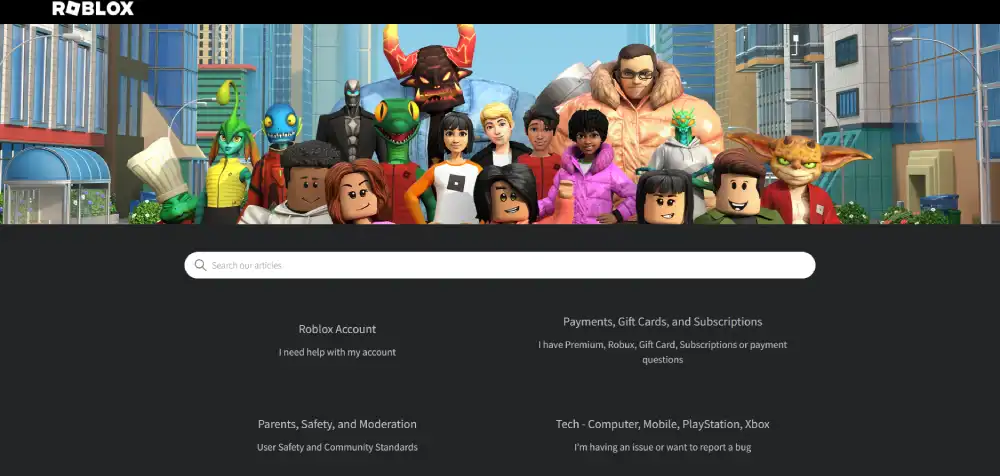
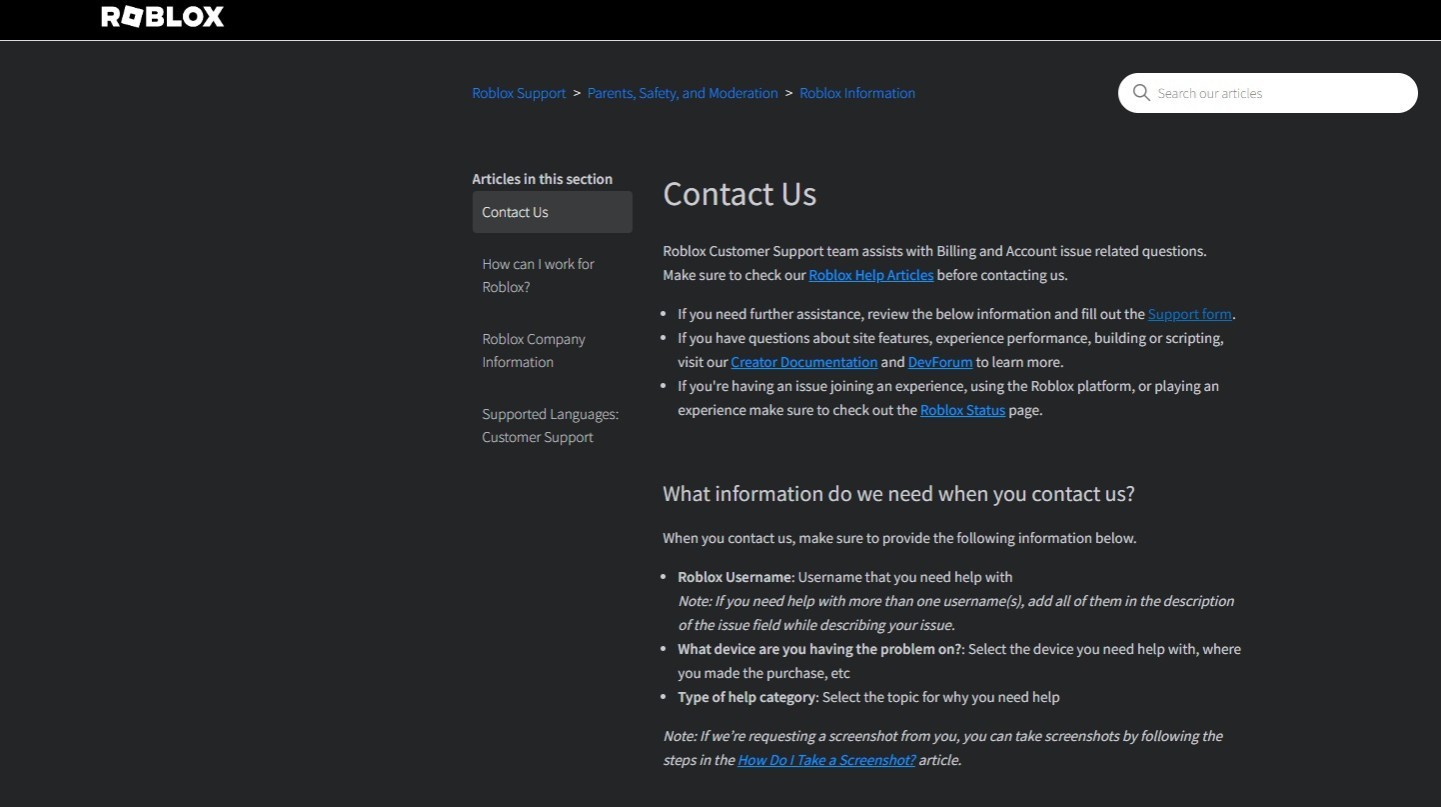
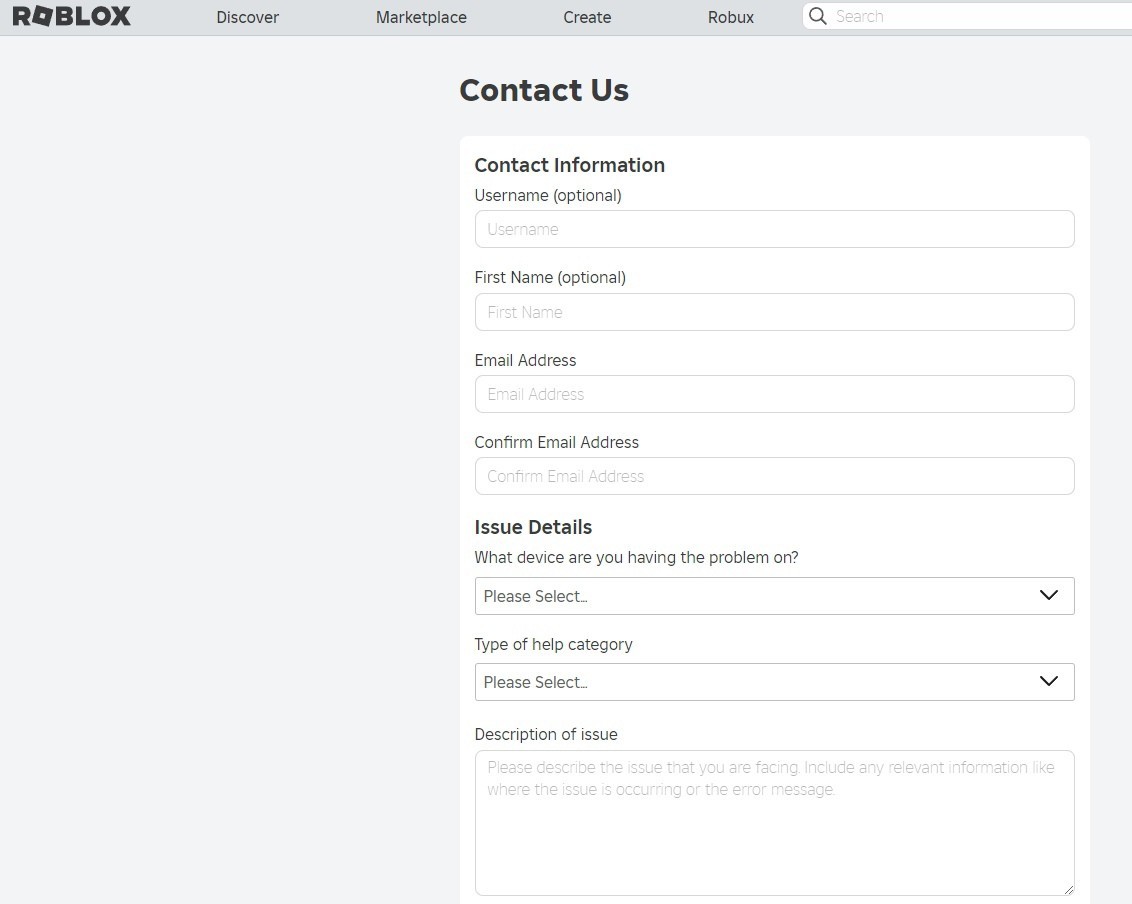
The primary method for contacting Roblox customer service is through their online support form, accessible via the official Roblox Help Center. This is where you'll submit details about your issue, categorize it, and provide any necessary attachments.
- Go to the Roblox Help Center website.
- Navigate to the 'Contact Us' or 'Support' section.
- Fill out the online form, providing as much detail as possible.
- Select the appropriate category for your problem (e.g., billing, account, technical).
- Include screenshots or transaction IDs if relevant to expedite the process.
Avoid sending multiple tickets for the same issue, as this can actually slow down response times. Stick to one comprehensive submission.
What Common Issues Can Roblox Customer Service Help With?
Roblox customer service is equipped to handle a wide range of issues, particularly those related to account security, billing, and platform moderation. These are critical areas where user trust and safety are paramount.
- **Account Issues**: Recovering hacked or compromised accounts, password resets, account verification problems.
- **Billing & Purchases**: Disputes over Robux purchases, unauthorized transactions, refund requests for specific circumstances.
- **Technical Problems**: Login errors, game client issues that are widespread, certain platform-level bugs.
- **Moderation Appeals**: Appealing bans or content removals, though these are handled by a dedicated team.
They are less equipped to assist with in-game glitches specific to a single experience (unless it's a widespread Roblox-platform bug) or individual game design problems, as those are often the responsibility of the experience developer.
How Long Does Roblox Customer Service Typically Take to Respond?
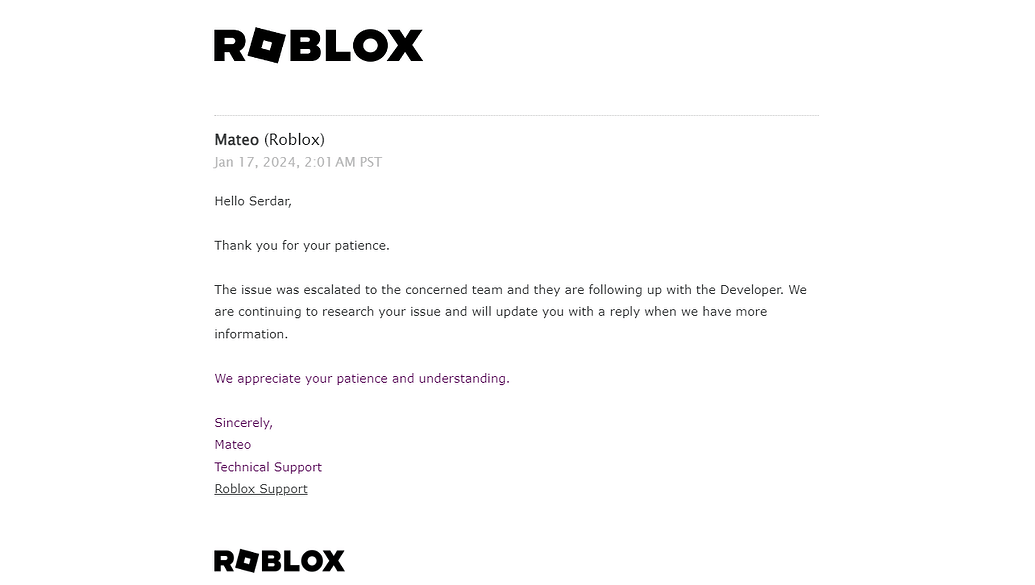
Response times from Roblox customer service can vary significantly depending on the nature and complexity of your issue, as well as current support volume. For routine inquiries, you might receive an initial automated response within 24 hours. A human agent typically responds within **1-7 business days**.
- **Account Security Issues**: These often receive higher priority, with responses sometimes seen within 24-48 hours.
- **Billing Disputes**: Can take 3-5 business days for an initial human review.
- **General Inquiries**: Might be on the longer end, closer to a week or more during peak times.
Patience is key. For many busy gamers, this wait can be frustrating, especially if it means downtime from their favorite social experiences or progress in skill-building games. Ensure your initial submission is detailed to prevent back-and-forth communication that prolongs the wait.
Are There Any Tips to Get Faster or More Effective Support from Roblox?
Yes, absolutely! As veteran gamers know, a little preparation goes a long way. To optimize your interaction with Roblox support:
- **Be Detailed and Specific**: When filling out the form, describe your issue clearly, providing exact dates, times, usernames, transaction IDs, and error messages.
- **Include Screenshots**: Visual evidence is incredibly helpful. Attach screenshots of the error, purchase history, or any relevant information.
- **Use the Correct Category**: Selecting the most accurate issue category guides your ticket to the right specialist faster.
- **Be Polite and Patient**: While frustrating, maintaining a respectful tone can lead to a more positive interaction.
- **Avoid Multiple Tickets**: Submitting duplicate tickets for the same issue clogs the system and delays your resolution.
- **Check Your Spam Folder**: Support replies sometimes end up in spam. Regularly check your junk mail.
- **Reference Relevant Policies**: If your issue relates to a specific Roblox policy (e.g., refund policy), mentioning it can show you've done your homework.
These strategies are particularly useful for busy adults who don't have hours to spend on back-and-forth emails. Getting it right the first time is crucial.
What Should I Do if My Roblox Account Is Hacked or Compromised?
A hacked account is a major pain point for any gamer, disrupting social connections and potentially losing valuable progress or Robux. If your Roblox account is compromised, act immediately:
- **Change Your Password**: If you still have partial access, change your password immediately.
- **Check Your Email**: Look for any suspicious emails from Roblox regarding password changes or activity.
- **Use the Account Recovery Process**: Go to the Roblox login page, click
Roblox Customer Service assessment, Contact methods effectiveness, Response times expectations, Common issue resolution, User satisfaction tips, Account recovery process, Payment support insights, Navigating Roblox support efficiently, Maximizing problem resolution.
35#1 Gallery is roblox customer service good


In Roblox Customer Service Tickets Website Features 2 545x500 . How To Contact Roblox Customer Service YouTube . How To Contact Roblox Customer Support Service 4bQLYHG5 . Connecting With Customer Service For Roblox Issues Ensigame 1 . How To Contact Roblox Support YouTube
#2 Gallery is roblox customer service good


How To Contact Roblox Customer Support YouTube . How To Delete The Roblox Account Roblox Customer Service 768x745 . How To Contact Roblox Customer Service Updated YouTube . Roblox Has The Best Customer Service Ever YouTube Hqdefault . How To Contact Roblox Support YouTube
#3 Gallery is roblox customer service good

RobloxGo Roblox Customer Service Simulator Real Time Stats Thumbnail 1. How To Send Message To Roblox Support 2024 Contact Roblox Customer . Can You Call Roblox Support For Immediate Help Roblox Support Phone Number How To Contact Customer Service 1.webp. Roblox Moderation How Does It Work 2026 Q A . Can You Call Roblox Support For Immediate Help 1
#4 Gallery is roblox customer service good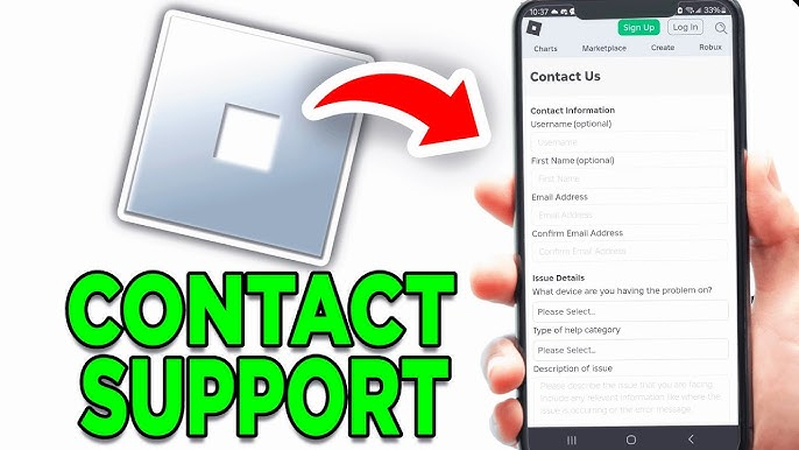


2026 Updated How To Fix Error Code 403 Roblox On All Devices Contact Roblox Support . Roblox Customer Service YouTube Hqdefault . Customer Support Platform Usage Support Developer Forum Roblox . Roblox Support Won T Send Me An Email Platform Usage Support . In Roblox Customer Service Tickets Website Features 2 689x407
#5 Gallery is roblox customer service good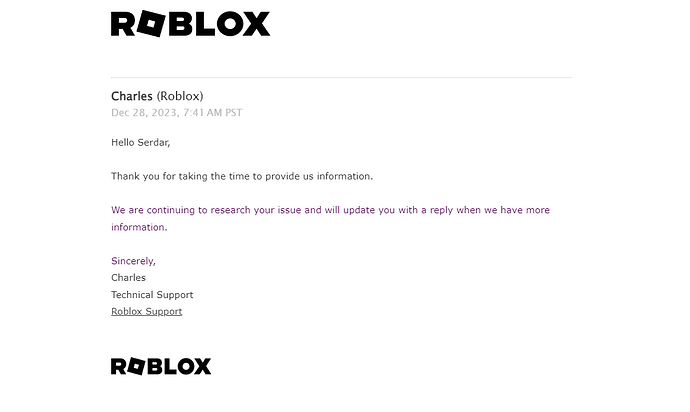

In Roblox Customer Service Tickets Website Features 2 690x412 . Roblox Support Needs To Be Reworked Website Features Developer . In Roblox Customer Service Tickets Website Features 2 1035x585 . An Update On Our Outage Roblox. Weekly Recap January 5 9 2026 Developer Forum 2 1380x482
#6 Gallery is roblox customer service good


How To Contact Roblox Support How To Write To Roblox Support Via The. Report Abuse Feature NOT Working Engine Bugs Developer Forum Roblox . In Roblox Customer Service Tickets Website Features 2 1380x650 . In Roblox Customer Service Tickets Website Features . ROBLOX Customer Service Ignoring Me Platform Usage Support 2 690x392
#7 Gallery is roblox customer service good


How To Contact Roblox Support And What To Do With Email YouTube . Roblox Reviews Read Customer Service Reviews Of Roblox Com Ge Company Rating. The Definitive Guide To Roblox Annual 2026 Phillips Toys 61HEet5s7ML 1445x . Can You Call Roblox Support For Immediate Help 1 . In Roblox Customer Service Tickets Website Features